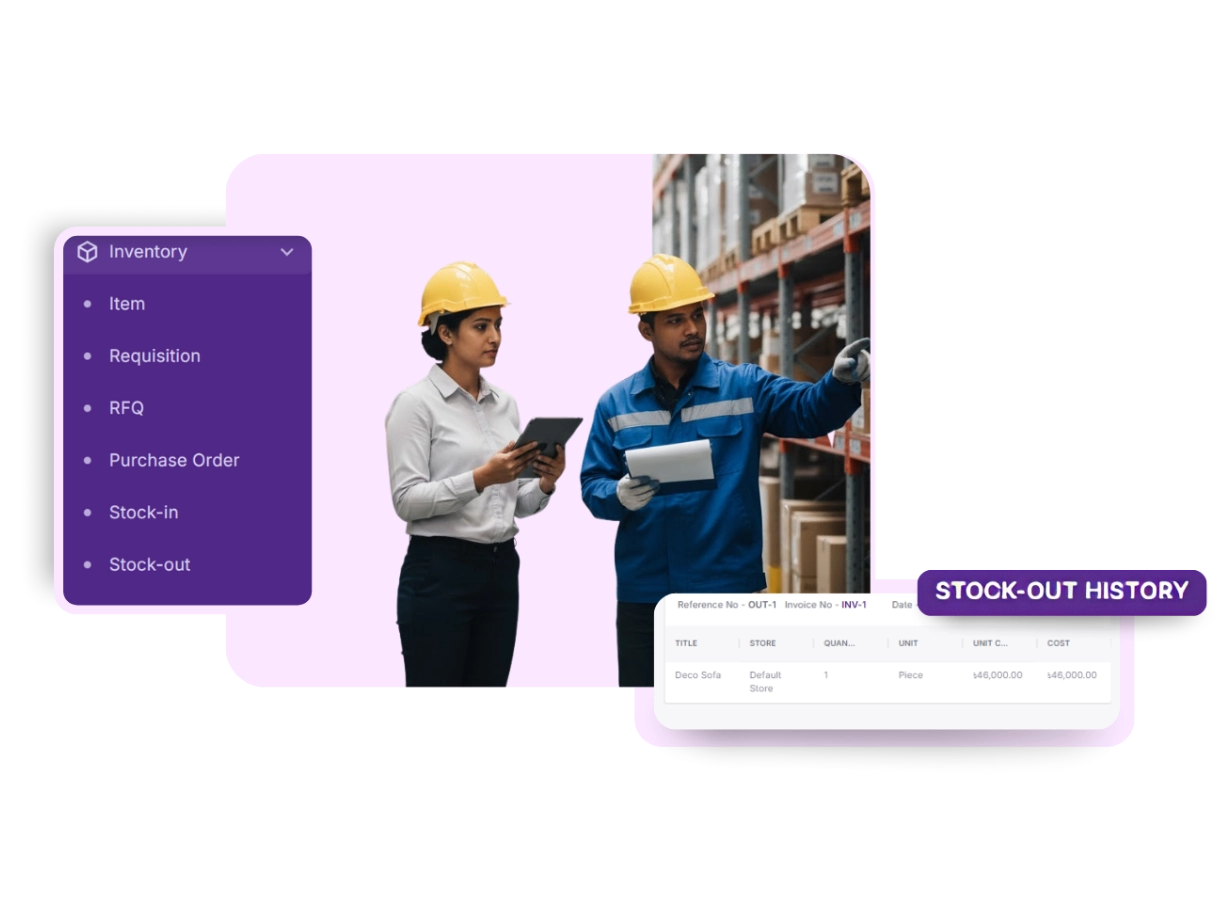
Keep every item, order, and store in perfect control
From stock values to vendor purchases, OneOffice Inventory connects every step of your supply chain in one centralized system. Know what’s in, what’s out, and what’s next — all in real time.
Items at a Glance
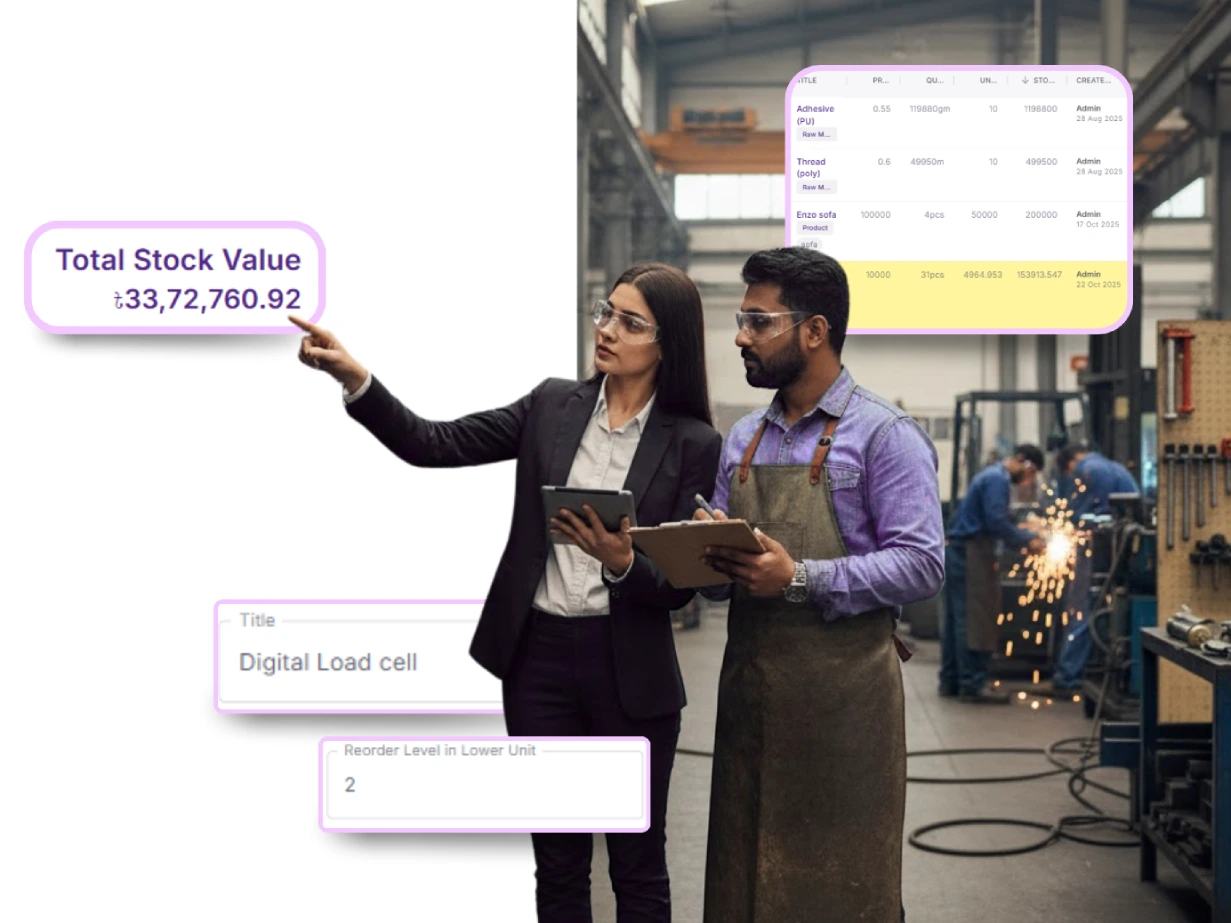
Every product at your fingertips. OneOffice Inventory tracks titles, prices, quantities, costs, and stock values so you always know what’s in your business and who updated it.
Track Every Item
Title, price, quantity, unit cost, and stock value are all recorded in one place for complete visibility.
Automatic Stock Valuation
Calculate total stock value instantly, so you always know the worth of your inventory.
Full Accountability
See who created or updated each item, keeping every action traceable and transparent.
Every Requisition in View
Requests and approvals without the chaos. Log, track, and review requisitions across teams and stores with full history and accountability.
Trace Every Action
User: See exactly who created or updated each requisition for accountability.
Activity: Track all actions performed to maintain full transparency.
Timeline: View the chronological history of updates for complete traceability.
Log Requisitions
Record: requests with store, vendor, amount, and notes for clear tracking.
Complete History
Access: full requisition records with numbers, transactions, and details in one place.
RFQ Management
Quotes managed in one place. View, filter, link, and create RFQs, keeping every request organized and actionable.

Filter and View RFQs
Sort and review RFQs by date to stay on top of every request.
Connect with Requisitions
Link RFQs to requisitions to maintain clear tracking across processes.
Create and Update RFQs
Add notes or generate new RFQs directly from the dashboard in moments.
Purchase Orders in One Place
Turn requests and RFQs into purchase orders instantly. Manage vendors, stores, amounts, and references from a single dashboard.
Organize Purchase Orders
Keep track of order numbers, vendors, stores, and amounts in one place.
Monitor Every Detail
Record dates, references, and notes in a clear, structured list.
Create Orders Quickly
Generate new purchase orders directly from the dashboard whenever needed.
Stock In
Record incoming inventory with all details. Link invoices, purchase orders, and vendors while maintaining a complete history for analysis.
Stock Received
Add reference number, vendor, amount, and link invoices or purchase orders for full context.
Access Full History
Review all stock-in entries at any time to track inventory movement.
Analyze Supply Patterns
Generate stock-in reports to monitor trends and plan effectively.
Stock Out
Track every product leaving your business. Maintain dates, references, and notes to prevent shrinkage and mismatches.
Track Outgoing Stock
Record reference and invoice numbers, dates, amounts, and notes for every item leaving your business.
Maintain Full History
Keep a complete log of all stock-out transactions for accountability.
Prevent Losses
Generate reports to identify shrinkage or mismatches and take corrective action.
Store Management
Handle multiple outlets without losing oversight. Assign stock, add new stores, and manage all locations from one central system.
Manage All Stores
Keep a complete list of every store in your business for full oversight.
Assign Stock Accurately
Ensure inventory is allocated to the right outlet to maintain balance.
Scale with Confidence
Add new stores as your business expands, without losing control of existing locations.
Insights That
Guide Decisions
Access real-time stock values and reports. Spot shortages or overstock before they impact your operations.
Monitor Stock in Real Time
Get an up-to-date overview of stock values across your business.
Access Detailed Reports
View stock-in and stock-out records whenever you need them.
Prevent Shortages and Overstock
Identify gaps or excesses in inventory before they impact operations.


