Powering Precision in Every Stage of Production
OneOffice Production keeps your workflow organized, tracks every stage, and ensures nothing falls through the cracks.
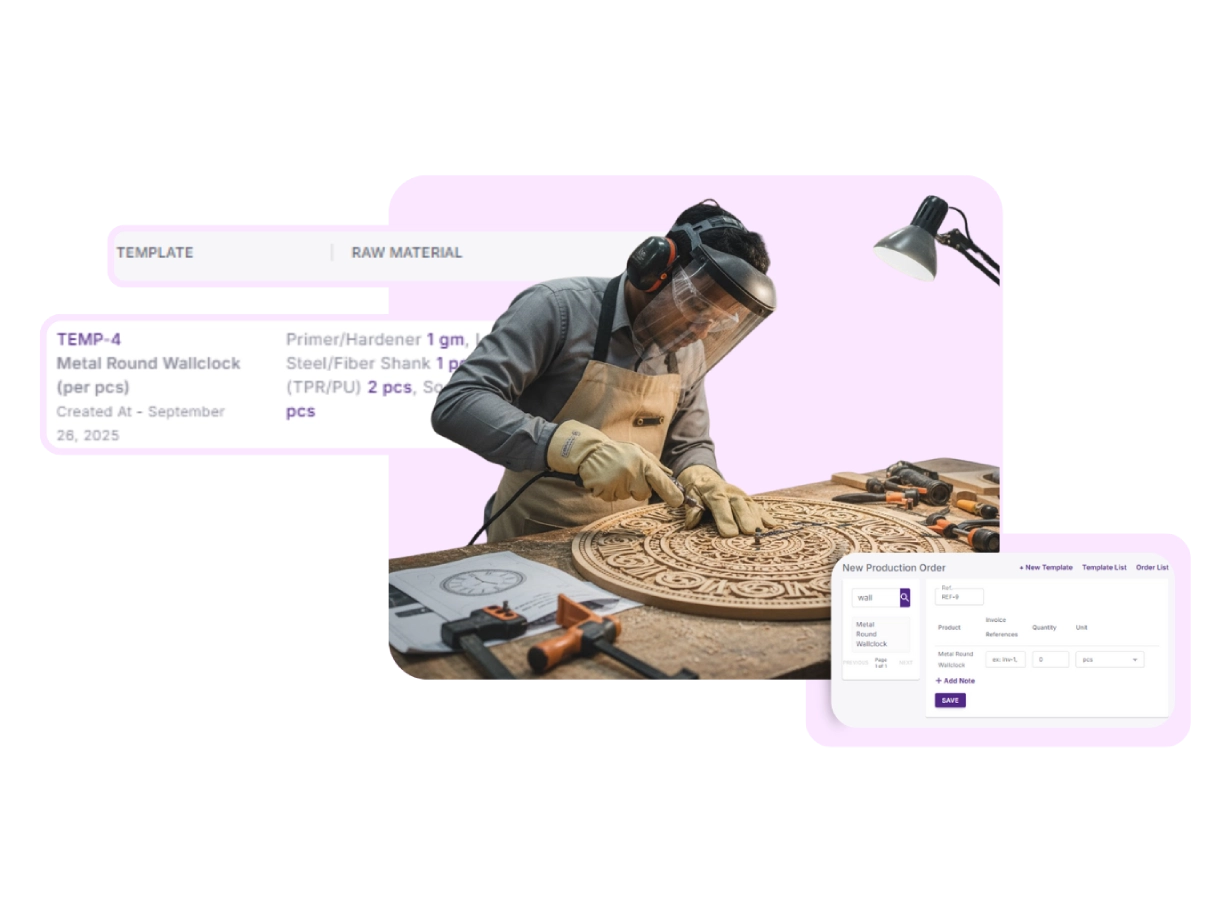
Overview of Templates
Get a clear view of every production template, including linked products and raw materials. Monitor and manage standard workflows to maintain consistency across every production run.
View Templates
Access all your templates in one centralized location for quick reference and management.
Linked Products & Materials
See all associated products and raw materials to ensure everything is ready for production.
Manage Workflow
Monitor and manage standard workflows to maintain consistency and efficiency across every production run.
Create New Template
Build Templates with Product and Material Details
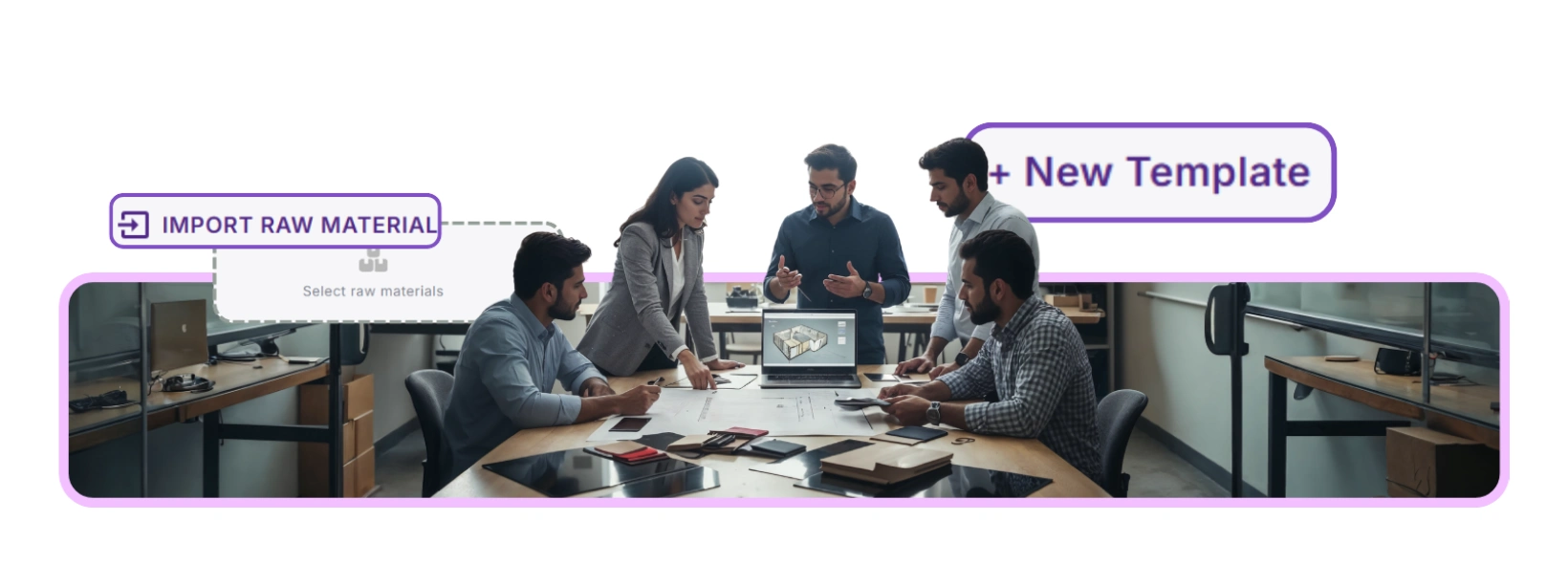
Add Products
Include every product required for the template, specifying quantities to maintain production accuracy.
Add Raw Materials
List all raw materials, linking them to the template to ensure availability and proper tracking.
Estimate Costs & Units
Enter estimated costs and units for every item to standardize pricing and plan budgets effectively.
Overview of Orders
Stay in control by tracking all orders at a glance, improving accuracy and reducing delays.
Reference Numbers
Quickly identify each order by its unique reference number for easy tracking.
Dates & Responsibility
See Issue Date, Issued By, and Completed By to monitor accountability and timelines.
Notes & Stages
View notes and track the current stage of each order to ensure smooth workflow and prevent delays.
Create New Order
Save time and reduce errors by creating orders faster, with built-in tools that keep everything organized.
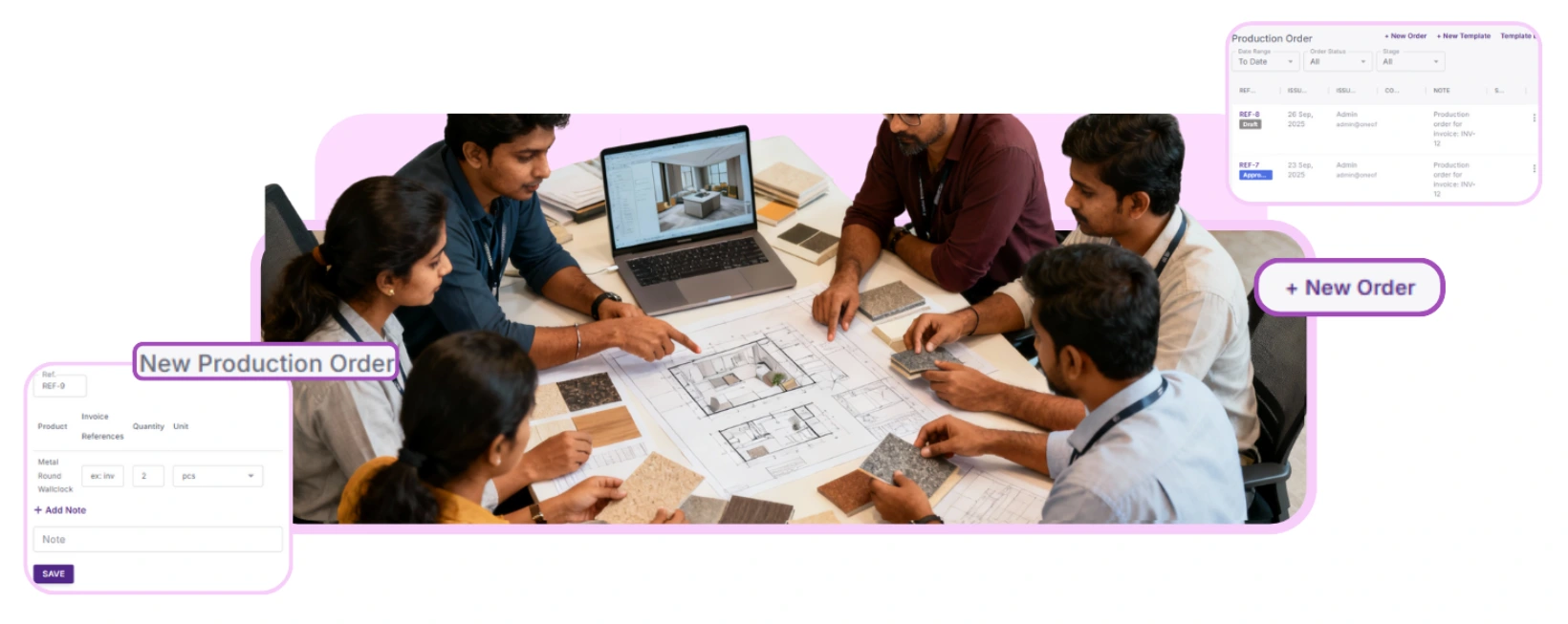
Select Products
Add the products required for the order from your templates or inventory list.
Invoice References
Link invoices to each order to keep financial tracking accurate and organized.
Specify Quantity & Units
Enter the quantity and unit for each product to ensure accurate production and inventory management.
Stock Analysis by Order
Align projects with CRM deals, link deliverables to revenue, and track progress for a complete business overview.
See Material Usage at a Glance
Analyze stock consumption for each production order. Track quantities used, remaining inventory, and costs to optimize material planning and prevent shortages.
Make Data-Driven Decisions
Identify trends, spot overstock or understock, and plan future production runs with confidence.
Track templates, create orders, and monitor stock with full visibility.
Start Free TrialNo credit card required


